How to Order Parts Online
Find the parts you need, add them to your cart, and place your order online in a few simple steps.
01 — Search & Select
Find the part you need
Search our catalog by:
- Part number
- Product name
- Keyword
- Category
Select the product to view its details, pricing, and availability.

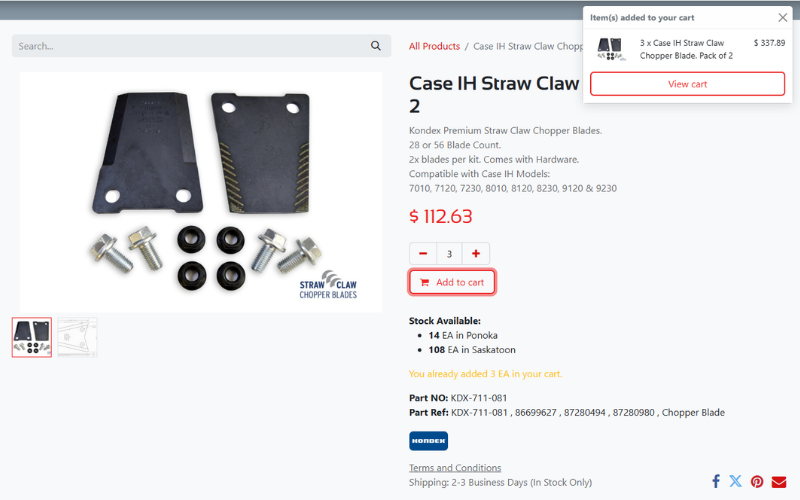
02 — Add to Cart
Choose your quantity and add it to your cart
Review the product and quantity, then click Add to Cart.
Continue shopping or go to your cart when you're ready.
03 — Enter Your Information
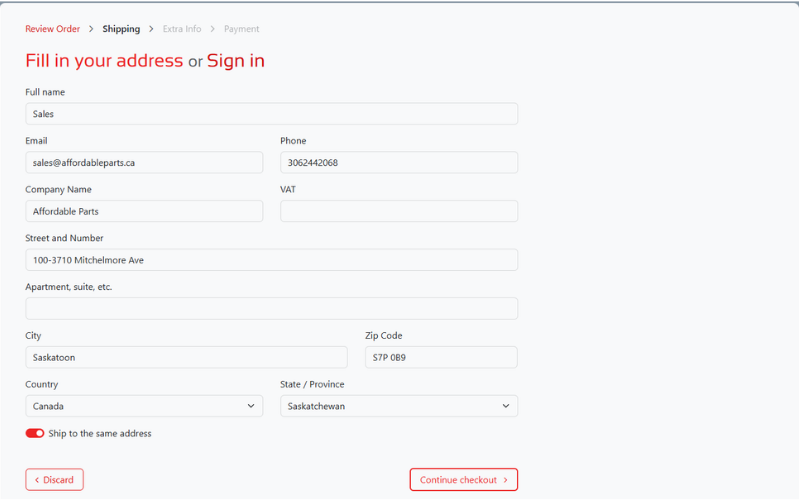
Tell us where to send your order
Enter your contact and shipping information so we can process your order.
04 — Review Your Order
Check your order before submitting
Review:
- Products
- Quantities
- Shipping information
- Order total
Make sure everything is correct before continuing.
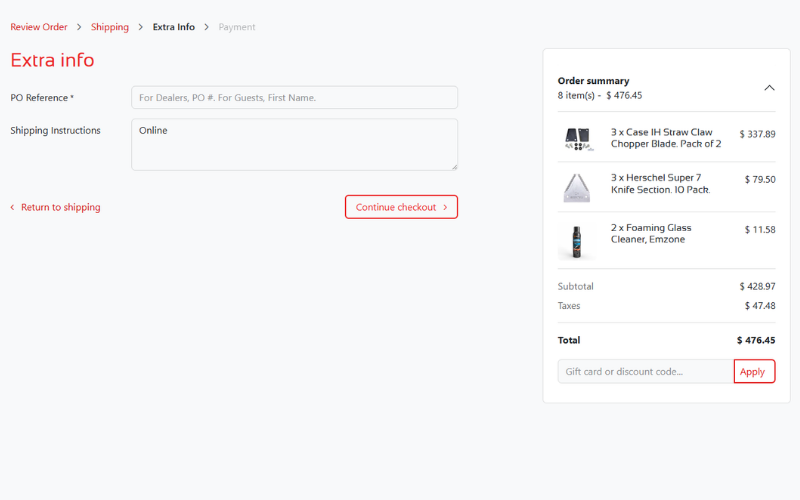
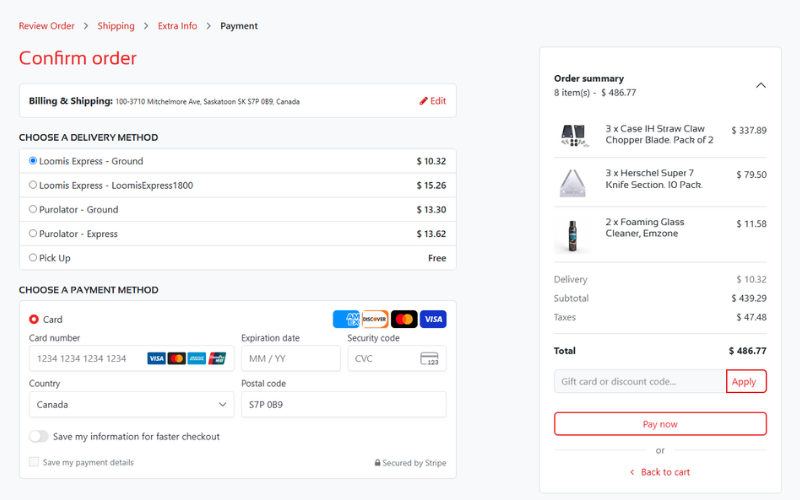
05 — Payment & Done!
Complete your payment
Choose your preferred shipping or pickup option.
Then follow the checkout steps to complete your order.
Once submitted, you'll receive your order confirmation.